Avoiding UI-Driven Pitfalls in AI SaaS
Discover common UI-driven pitfalls in AI SaaS development and learn actionable strategies to overcome them efficiently.
Introduction
In the rapidly evolving world of AI SaaS, agility and precision are paramount. As experts like Scott Fielder emphasize, the user interface (UI) plays a pivotal role in ensuring seamless interaction between complex AI algorithms and end users. However, too often, UI-driven development can derail projects, leading to wasted resources and unmet objectives.
Below, we explore common pitfalls in UI-driven development for AI SaaS solutions and offer actionable strategies to sidestep these challenges, fostering innovation and strategic execution.
Misaligning User Needs with Complex Features
Understanding Overcomplexity
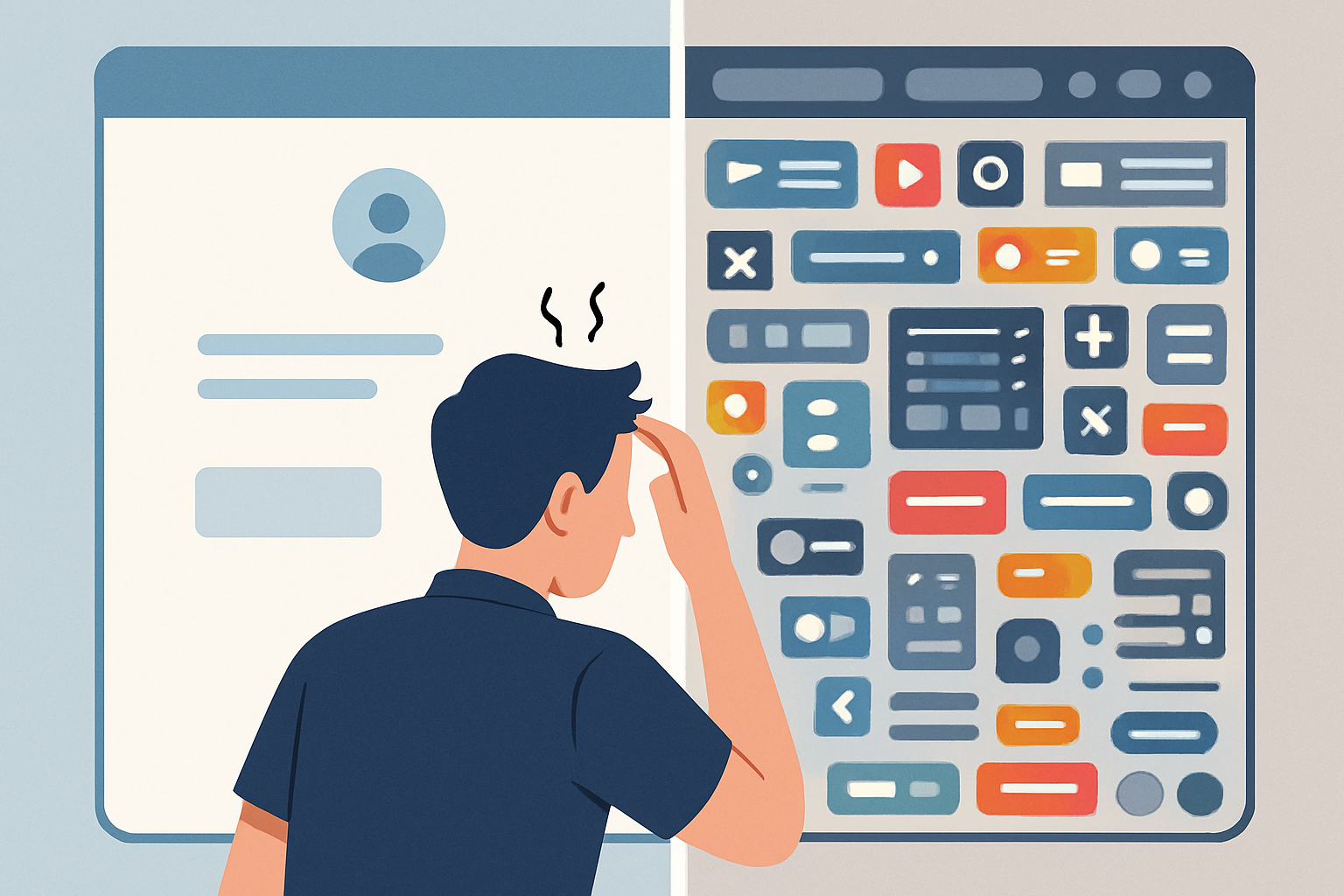
A key pitfall in AI SaaS development is the over-complication of features. Many startups, in an attempt to impress, overcrowd their UI with advanced features that may bewilder end users. This can stem from a misunderstanding of user needs versus technological capabilities.
Strategy: Start with a user-centered design approach. Conduct thorough user research to understand their challenges and build empathy maps. Innovate with simplicity in mind to ensure users can easily interact with AI-powered functionalities.
Ignoring Device and Platform Variability
Platform Agnosticism
Developers often overlook the diversity of devices and platforms used by their target audience. A UI designed for a desktop may not transition well to mobile or tablets, leading to inconsistent user experiences.
Strategy: Embrace responsive design principles. Ensure your AI SaaS platform is platform-agnostic, offering seamless experiences across all devices. Test across multiple platforms to adapt your UI effectively.
Lack of Iterative Feedback Loops
The Danger of One-and-Done
Avoiding feedback loops in UI development can stifle innovation. Treating the UI as a one-time deliverable without iterative improvements based on real user feedback is a common mistake.
Strategy: Establish continuous feedback loops. Integrate tools that allow for real-time user feedback and analytics. Use this data to refine your UI progressively, keeping it aligned with evolving user needs.

Overemphasizing Aesthetics Over Functionality
Beauty Over Brains
A visually stunning UI can often overshadow its functional shortcomings. Prioritizing aesthetics without equal focus on functionality can lead to user dissatisfaction.
Strategy: Balance your approach by incorporating usability testing early and regularly. Ensure that your UI not only looks good but also functions effectively to support user tasks and workflows.
Neglecting Accessibility Standards
Inclusivity at Core
Failing to consider accessibility can alienate a significant portion of your potential user base. Non-compliance with accessibility standards not only risks legal implications but also impacts usability.
Strategy: Embrace inclusive design principles from the outset. Regularly audit your UI against common accessibility standards and utilize tools like screen readers to ensure compliance.
Conclusion
Avoiding UI-driven pitfalls in AI SaaS development requires a balanced approach focused on user experience, inclusivity, and iterative improvement. As a leader in building scalable systems, adopting these strategies ensures your AI SaaS can grow with your user base, delivering both innovation and impactful user engagement.
Scott Fielder's approach—melding enterprise-grade credibility with rapid startup execution—provides a robust framework for overcoming these challenges, ensuring your product doesn't just meet expectations, but exceeds them. Let's ship not just theory but impactful, user-centric solutions.
Ready to build something great?
Let's discuss how I can help with your AI strategy or technical leadership needs.
Start a Conversation